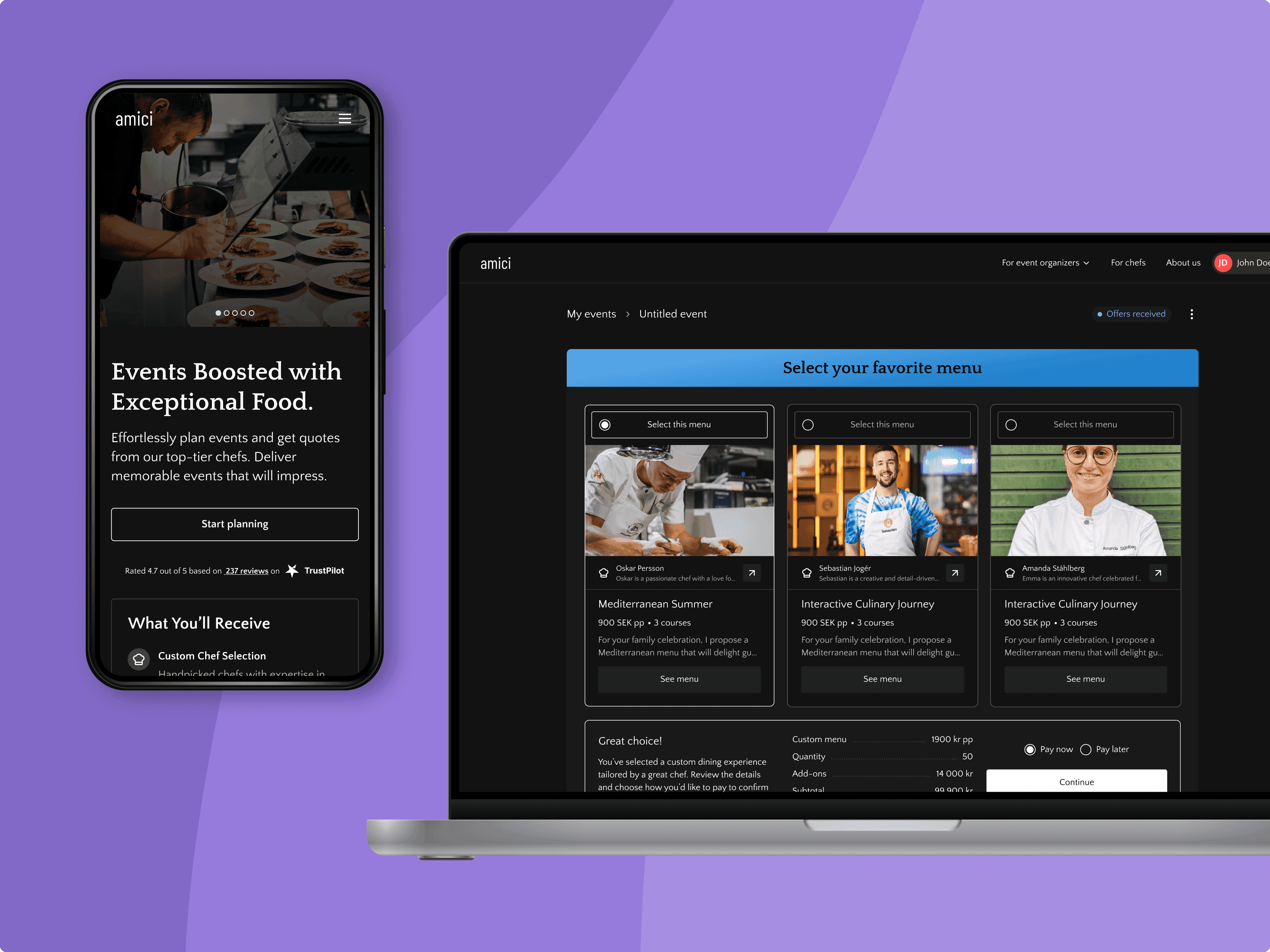
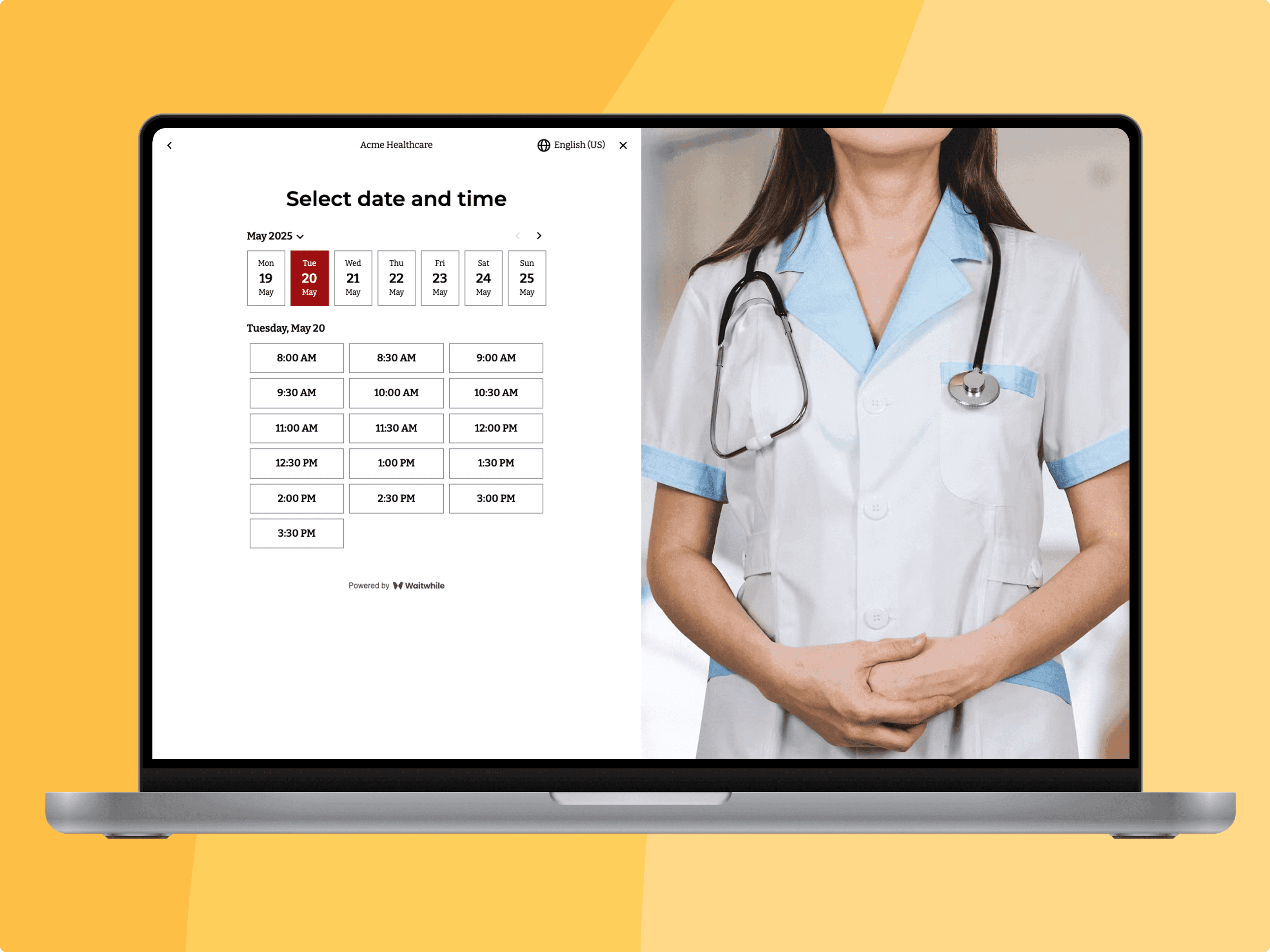
An AI-Powered Prototyping Platform for Designers
- Date
- Apr 2026
- Client
- Waitwhile (internal tool)
- Service
- Product design0 to 1 toolingConversational UXAI integrationSystem designPrototypingFrontend build
In short
A self-service prototyping platform for Waitwhile's designers. Instead of faking the product, it spins up a working replica from the real production code, so anyone can prototype on it and publish a live link with zero engineers involved.
The old way
Designers prototyped in Figma, wiring up every interaction by hand. But the interactions that matter are subtle, and Figma can't fake them; you only feel them in real code. Vibe coding makes that reachable, but there's still a setup hill to climb, and prototyping on an existing product means rebuilding the same components every time.
Prototyping on the real product, not a fake
Waitwhile's product is two big codebases: an Angular staff app and React customer pages. The interactions worth testing live there, but that code is out of reach for a designer, huge to clone and hard to navigate. So I built a system that copies the real repos to your machine fast and stitches them into one prototype, scoped however you want: a page, a flow, or the whole product across both frameworks. You build on real components and real logic, not a dumbed-down copy.
A skill so the AI understands the codebase
Cloning the code is only half of it; the other half is making an AI agent reliable in a codebase it has never seen. So I wrote a skill that teaches Claude, or any agent, how Waitwhile's code fits together: the design system and components, the patterns, the business logic. That's what lets a non-technical designer make real changes and trust the result, instead of the agent guessing and breaking things.
The gallery
The gallery is a retro Windows 9x desktop, and the metaphor does real work: each prototype is an icon you open in a window, and archiving means dragging it to the Recycle Bin. It signals "made with care, but not production," which makes people comfortable experimenting, and the retro chrome never clashes with the product UI inside, so the two stay clearly distinct. It's also the one place every live prototype lives, so instead of hunting for links across Slack threads, anyone can open it and see what's being tested right now.
The gallery is also a prompt builder
Starting a prototype is a few clicks: pick the repositories and the slice of the product you want, and the gallery generates a prompt. Paste it into Claude or any agent and it does the setup, pulling the right packages, repository code, and skill, so the agent opens exactly where you need it, with no branches, hosting, or setup docs to touch.
From prompt to a live URL
Designers already lived inside Claude, so the whole loop happens there. The prompt gets them building on the real product in seconds, and when they're happy they just say "publish" to go live on their personal dev URL automatically. No hosting, no deploy step.
Share it anywhere, on any device
Every prototype also gets its own shareable link, so it isn't locked inside the gallery. Send it to a stakeholder or straight to a customer for user testing, something we've run and validated many times. A device switcher flips the preview between mobile, tablet, and desktop on the spot, which matters depending on the feature. It's reached the top, too: our CEO and CTO presented a prototype built in the tool to Allegion, the company that acquired Waitwhile.
Closing the feedback loop
A shared URL only gets you so far; the useful feedback comes when someone can point at the exact element they're reacting to. So I added a comment layer: open a prototype, click any element, and pin a comment to it. The creator marks comments open, completed, or ignored, authors edit their own, everyone else reads. The whole review happens in context, without a call or a screen recording.
Decisions I'm proud of
- Prototype on the real production code, not a wireframe. The interactions people argue about only feel right when the components and logic are real.
- One prototype can span both codebases, Angular and React, so a flow crossing the staff app and customer pages stays whole.
- Hide the hard parts, cloning and navigating huge repos, behind a prompt and a skill, so the designer never sees them.
- The real UX wins here were infrastructure choices, not button placements.
Role and scope
I designed and built all of it solo: the gallery, the prompt builder, the skill, and the wiring that clones and stitches the repositories underneath. A new designer self-onboards from the built-in guide in minutes.